 01
01Enter the excavation
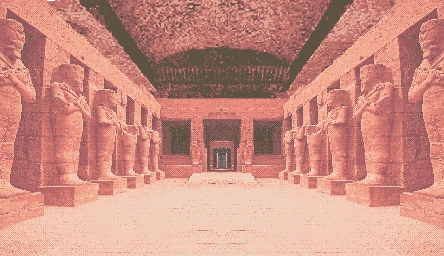
A rose-toned colonnade establishes the mood before the orb puzzle closes in.
THE INNER CHAMBER AWAITS
Contains explicit adult content. Viewer discretion is required.Recovered browser edition · Godot 3
Turn the chamber left or right, bring matching colored orbs together, and clear all eighteen puzzle rooms.
Expedition record
Mark each room after you clear it. Your checklist is saved privately in this browser.








Field notes · 01
Temple of the Jackal is a compact adult puzzle game set beneath an imagined Egyptian ruin. Its central rule is easy to understand: use the direction buttons on the left and right sides of the board to rotate the entire chamber, let the colored orbs fall into new positions, and bring matching colors together so they disappear. Clear the remaining orbs to complete the room and move to the next stage. The recovered build contains eighteen primary puzzle stages and two story scenes that become available through progress. It is a deliberately small game, presented in a 256-pixel square canvas, but that limitation gives the experience a tactile quality. Every orb, ledge, doorway, and torch-like color feels cut from the same old game cartridge.
This browser portal puts play before explanation. The game frame sits at the top, launches only after an adult-age confirmation, and can expand to fullscreen when you want the original pixel grid to breathe. Everything below the frame is organized for people deciding whether to play or returning after a difficult chamber: a spoiler-light overview, accurate rotation controls, a future video area, practical troubleshooting, and frequently asked questions.
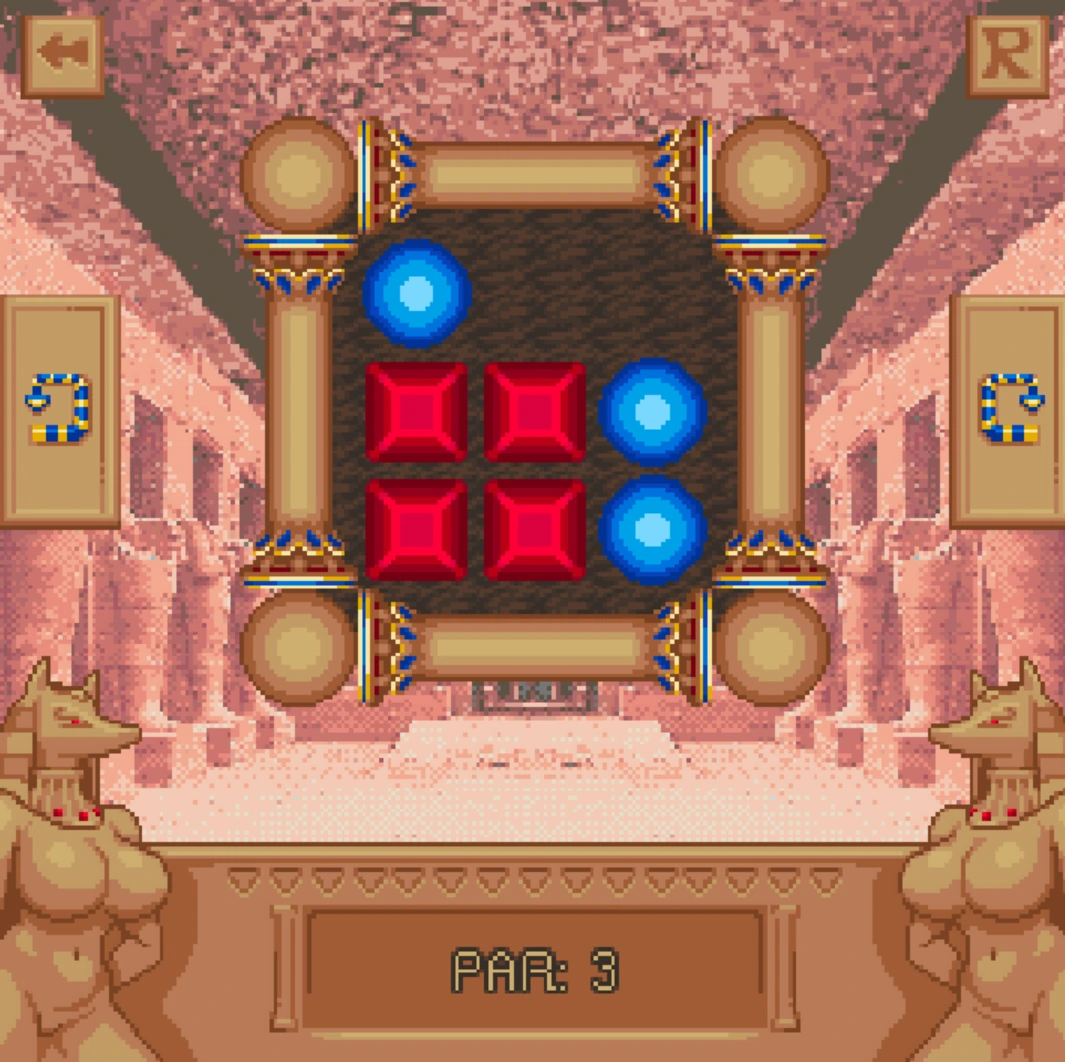
01A rose-toned colonnade establishes the mood before the orb puzzle closes in.
 02
02Identify matching orbs and predict where gravity will carry them after the chamber turns.
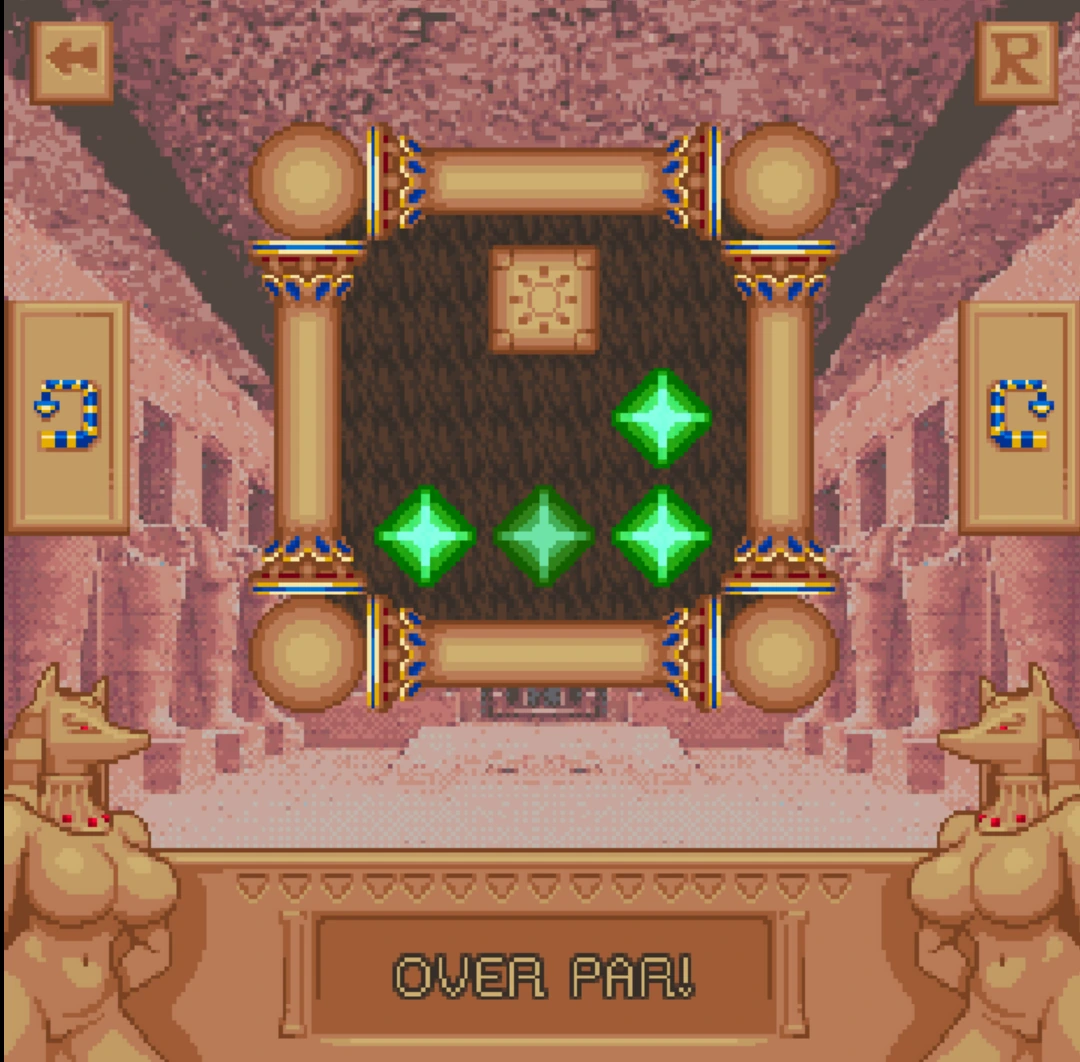 03
03Use the left or right direction button to rotate the board ninety degrees and bring matching colors together.
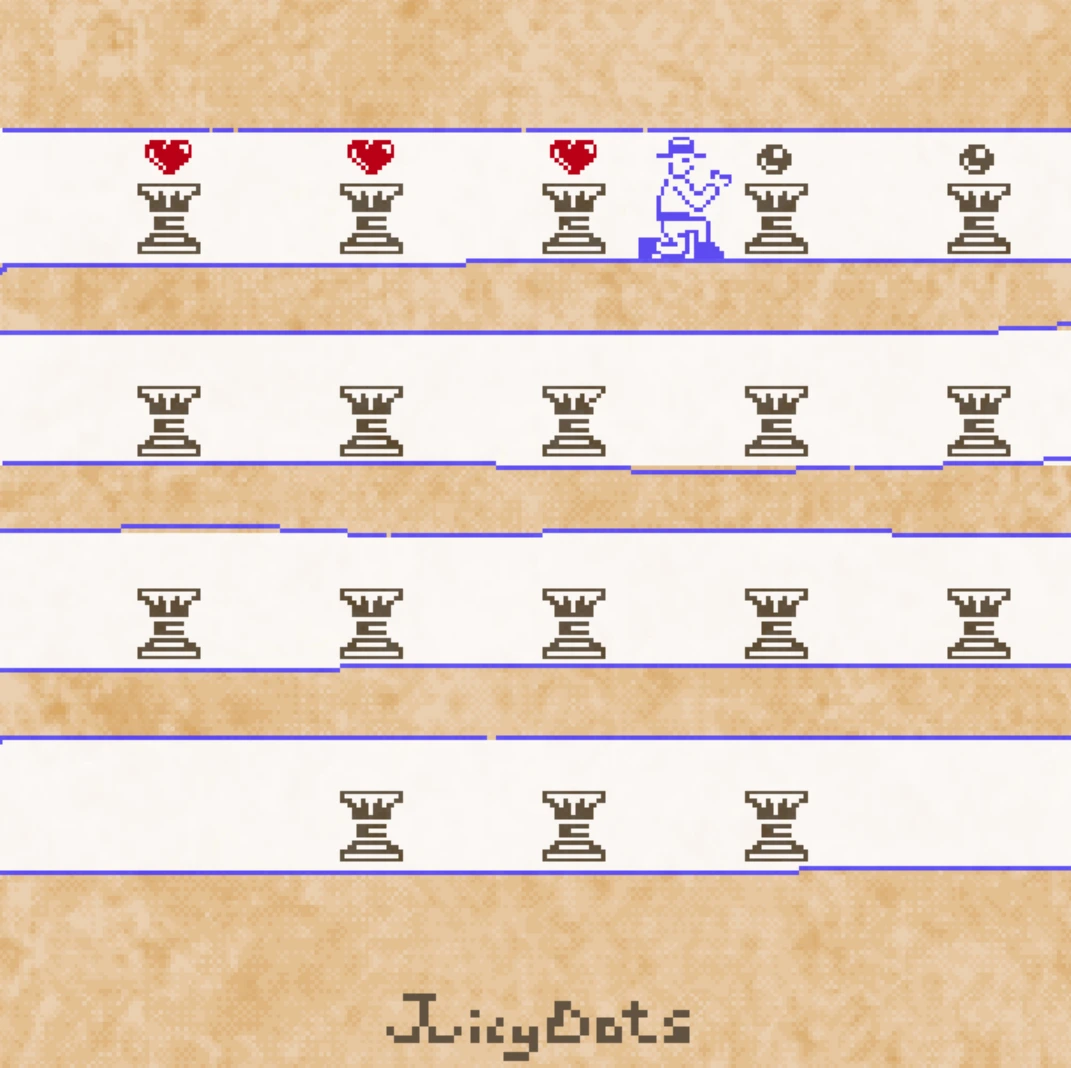 04
04Matched orbs disappear. Remove every orb to finish the room, advance, and gradually unlock two mature story scenes.
Real game screens · 02
Actual screenshots from the supplied playable build.
How to play · 02
The puzzles reward planning more than speed. Check both rotation directions before spending a move.
The stage screen arranges the main journey as a sequence of compact rooms. Begin with the earliest available level. Later tiles record the route you have completed, while the special lower corners lead toward the story material after the relevant requirements are met.
Study the colored orbs and the platforms between them. Your aim is to make orbs of the same color touch. Because the whole chamber rotates, consider where each orb will fall under gravity rather than looking only at its current neighbor.
Press one of the direction buttons at the sides of the game board. The chamber rotates ninety degrees and loose orbs fall in the new downward direction. When matching colors meet, they activate and disappear. If a sequence leaves the remaining colors separated, reset the chamber and try the opposite order.
Remove all of the colored orbs to complete the level and continue to the next chamber. The game also tracks a par target for efficient solutions. Progress across the eighteen rooms eventually exposes two additional scenes, which are explicit and intended only for adults.
Archive room · 03
The first recording is the complete walkthrough for all eighteen puzzle chambers.
Follow the complete puzzle guide when a rotation sequence or Par target leaves you stuck.
Open the walkthrough on YouTube →Watch another run through the pixel-art temple and its color-matching challenges.
Expedition log · 04
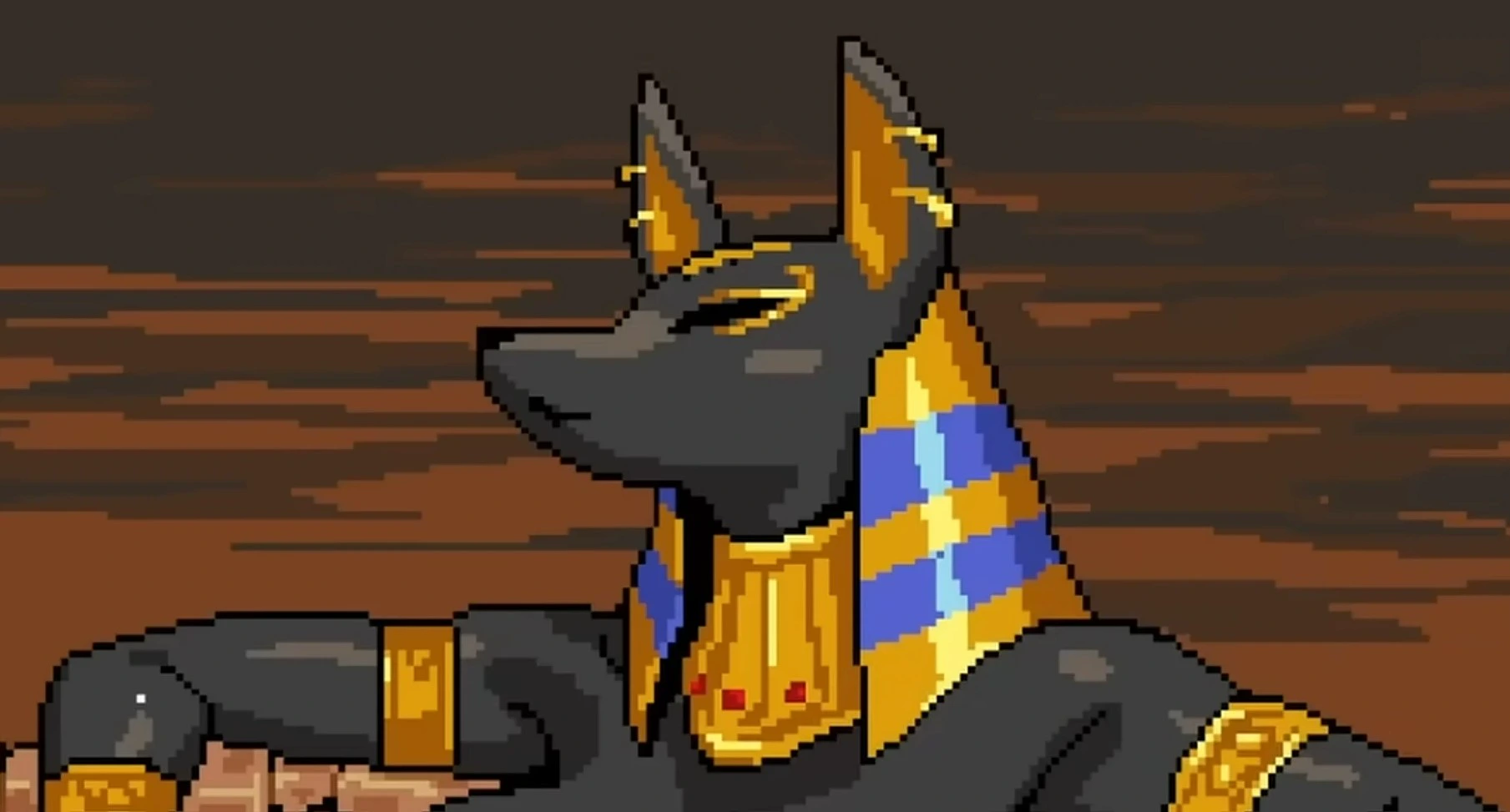
The opening premise follows an explorer moving deeper into an abandoned dig site. Sounds of water and fresh warmth interrupt the expected dust and silence, leading toward an impossible fountain and a jackal-headed figure. The framing borrows the visual vocabulary of tomb exploration, but the game is not a history lesson and should not be read as an accurate depiction of Egyptian religion. It is fantasy, built around a fictionalized adult Anubis-inspired character and a playful pulp-adventure tone.
Most of your active time is spent with the puzzle system rather than dialogue. The eighteen chambers provide the progression spine. Each level places colored orbs around a confined square board. Turning the entire board left or right changes the direction of gravity, sending the orbs toward new ledges and other colors. Matching orbs vanish when brought together. The visual language stays consistent, so the difficulty comes from forecasting a sequence of rotations rather than learning a new rule every few minutes. That makes the game easy to resume after a break: recognize the colors, inspect the platforms, and focus on the next turn.
The desktop release was designed around a 256 by 256 viewport. On this page, the browser build is enlarged with crisp pixel rendering instead of being stretched into a blurry rectangle. Fullscreen gives the canvas more presence, but it does not add detail that was never in the original art. This is intentional. The chunky edges, limited palette, and compressed animation are part of the game's identity.
Mouse input is the safest way to play. Click the game once after it loads so the embedded canvas has focus, then use the large direction controls on the left and right sides of the puzzle. Watch where gravity carries every orb after a ninety-degree turn. The reset control lets you restart when an early rotation traps colors apart. Keyboard number shortcuts existed in the desktop build to change window scale, but the portal handles responsive scaling for you, so those shortcuts are not important online.
The mature scenes are not shown in the surrounding website artwork. The portal uses the game's temple background and gem icon for public-facing presentation, keeps an explicit 18+ warning beside the player, and leaves the decision to launch with the visitor. Once the game starts, its original material is presented inside the frame. If explicit sexual content, nudity, dominance themes, or fantasy power dynamics are not appropriate for you, do not launch the build.
The original project writes a short progress string as puzzles are completed. A web export must store that data in browser-managed storage rather than beside the executable. Use a normal browser window, allow local storage, and return on the same device and browser profile. Private windows and cleanup tools may erase the save. Because this edition comes from a recovered desktop package, save behavior will be checked carefully during final browser validation.
Practical notes · 05
Godot 3 web games load an HTML shell, JavaScript glue code, WebAssembly engine code, and a data pack. A blank frame for the first few seconds does not always mean the game has failed; the browser may still be compiling the engine or moving the project data into memory. Let the first load finish before refreshing. Repeat visits should usually feel quicker once browser caching is available.
If the player never advances, confirm that JavaScript and WebAssembly are allowed, then try a current desktop version of Chrome, Edge, or Firefox. Privacy extensions can block worker scripts, local storage, audio, or embedded content. The game files are delivered from the dedicated s.templeofthejackal.com game host, while strict corporate and school networks may still reject embedded game files.
Phones can display the page, yet the square game board asks for precise taps. Landscape orientation on a large phone or tablet is more comfortable. If a touch does not register, tap once in the center of the canvas to focus it and avoid browser gestures near the screen edge. Desktop remains the recommended format for solving later rooms and reading the story text.
Audio may remain silent until your first click because modern browsers block automatic playback. That is normal. Use the Enter the Temple button, wait for the canvas, and click inside it. For fullscreen, use the browser player control or the frame's fullscreen permission. Press Escape to return to the page. If progress disappears, check whether you used private browsing or cleared site storage.
Questions · 06
Straight answers, minimal spoilers.
Yes. Select Enter the Temple above to load the restored Godot web build inside the page. No installer or account is required.
This browser portal provides free access to the supplied game build. The site does not ask for a subscription or payment.
No. Temple of the Jackal is strictly for adults aged 18 or older. Its unlockable story scenes contain explicit sexual content and nudity.
It is a short pixel-art color-matching puzzle game with an Egyptian temple setting. Rotate each chamber and bring matching colored orbs together across 18 main puzzle rooms to unlock two narrative scenes.
Use the direction buttons on the left and right sides of the board to rotate the chamber ninety degrees. Gravity moves the orbs after each turn; matching colors disappear when they meet. Reset if the remaining colors become separated.
The original game tracks completed puzzle states. Browser storage behavior can vary, so avoid private browsing and do not clear site data if you want to retain progress.
Wait a few seconds, click inside the frame, and refresh once. Disable aggressive script blockers for this site and use a current Chrome, Edge, or Firefox browser.
The page is responsive, but the original game uses a compact square canvas and precise pointer input. A desktop or tablet in landscape mode offers the most comfortable experience.
No. This is an unofficial browser portal created from the game package supplied for this project. The original creator retains ownership of the game and its assets.