 01
01Open the input gate
Approve browser access and confirm the intended system microphone before a round.

YOUR VOICE OPENS THE SHOW
Microphone permission is required. Protect your voice, respect recording consent, and use only audio you are allowed to use.Archive game / Microphone party show
Allow the microphone, listen for the shape of a voice, perform the prompt, and turn each judged take into a controlled experiment rather than a contest of volume.















Studio intake / 01
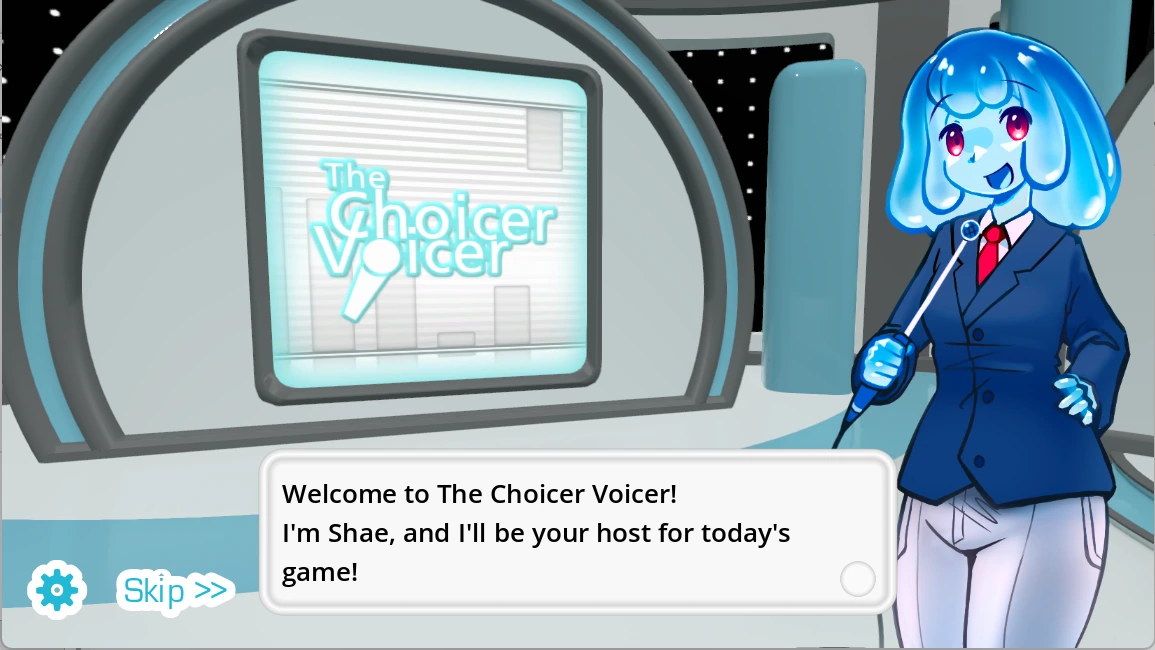
The Choicer Voicer is a customizable party game in which vocal impressions become game-show performances. The mouse prepares the mode, pack, host, judges, studio, and contestants, but the microphone carries the central action. A useful first session therefore begins with permission and a clean ordinary-speech test rather than an ambitious character voice.
This Temple archive treats the game like an acoustic chamber. The player must understand which sound enters, where it travels, and how software responds before interpreting a score. Five local guide images, two videos, a long original essay, ten FAQs, and practical microphone notes keep performance advice separate from technical troubleshooting.
01Approve browser access and confirm the intended system microphone before a round.
 02
02Identify wording, cadence, pauses, pitch movement, emphasis, and emotional intent.
 03
03Keep the prompt and setup stable while testing timing, pitch, or character energy.
 04
04Use comfortable volume, recording consent, and audio you have permission to include.
Studio evidence / 02
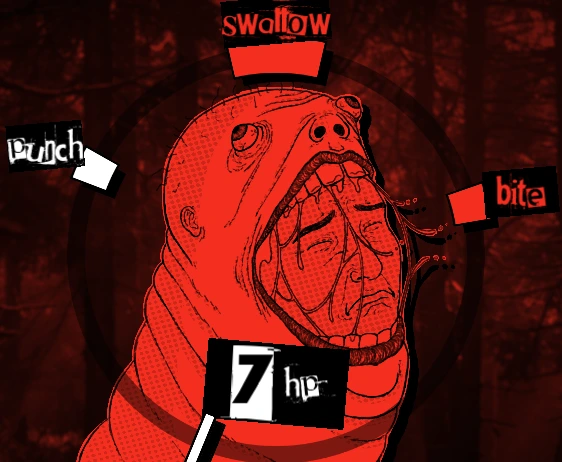
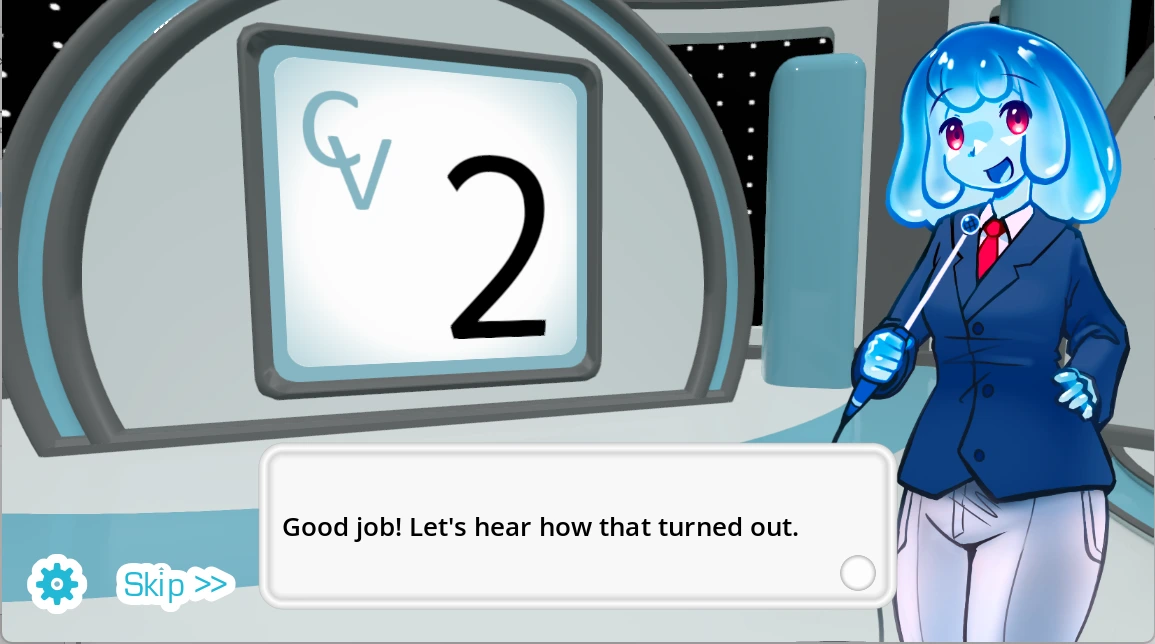
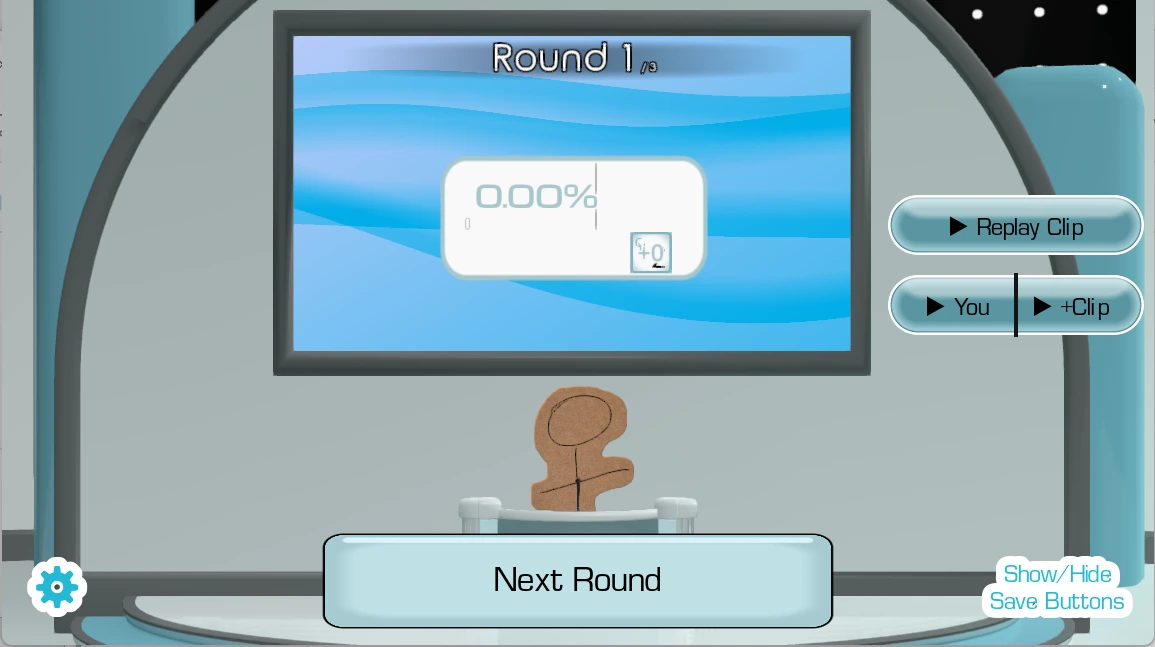
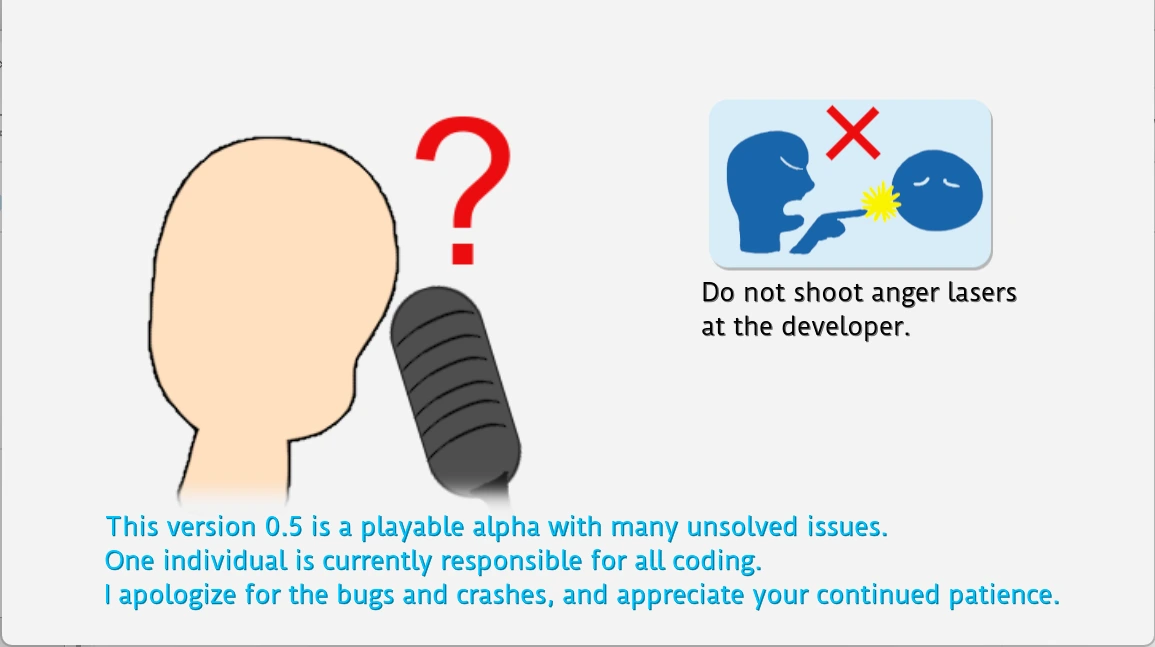
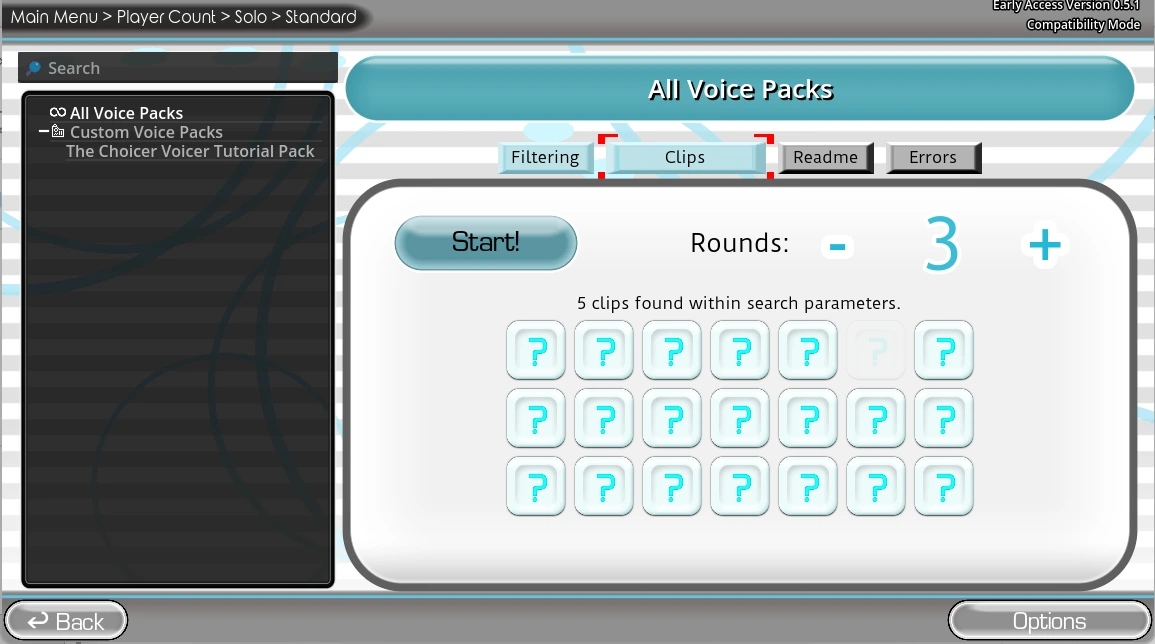
The supplied images document presentation, judging, customization, microphone setup, and the basic performance sequence.
How to play / 03
A short diagnostic routine protects the session and makes later comparison useful.
Launch the player and approve the browser request. Check the operating-system privacy panel and select the intended input device.
Click inside the frame and say a normal sentence at conversational volume. Do not begin by shouting or using an extreme character voice.
Listen once without speaking. Identify wording, rhythm, pauses, pitch direction, emphasis, and intention, then choose two features to reproduce.
Keep distance and volume stable. Change only cadence, pitch, emphasis, or character energy so the next result answers a clear question.
Screening room / 04
Two supplied videos show additional context for microphone performance, studio presentation, and play flow.
Preview the voice-centered game-show loop before granting microphone access.
Watch another session perspective and note how prompts, delivery, and judging interact.
Acoustic archive / 05
A player can reach the studio screen while the recording path remains closed by browser permission, operating-system privacy, or the wrong input device. The Choicer Voicer turns a familiar input device into the center of a social system. A prompt must be available, understood, performed, captured, and interpreted before the screen can respond. Each stage creates its own kind of uncertainty. A player may remember the words but miss the rhythm, perform clearly while the wrong device is selected, or create a funny take that an automated panel scores unexpectedly. The game becomes more enjoyable when these possibilities are separated rather than compressed into one mysterious result.
The Temple method treats the round like reading an inscription inside an echoing room. Begin with the stable marks: browser permission, system input, microphone distance, background noise, source clip, and ordinary speech level. Then identify what belongs to interpretation: cadence, pitch movement, pauses, emphasis, texture, and emotional intention. Preserve the technical baseline while changing one performance feature. This controlled comparison prevents a dramatic score from erasing the evidence that produced it.
The developer describes the project as early access with limited built-in content and reports of microphone failure on some audio setups. That warning belongs in any honest guide. A recording problem can make the game unplayable, so test before planning a group event. Custom content also creates responsibility: use files you created, licensed, or have permission to use; ask before capturing another person's voice; and avoid sharing unwanted recordings. Local multiplayer can host up to four performers, while the developer states that online multiplayer is not currently available.
The current project is designed around customizable content, so preparing a small legal collection is part of entering the game rather than optional decoration. The Choicer Voicer turns a familiar input device into the center of a social system. A prompt must be available, understood, performed, captured, and interpreted before the screen can respond. Each stage creates its own kind of uncertainty. A player may remember the words but miss the rhythm, perform clearly while the wrong device is selected, or create a funny take that an automated panel scores unexpectedly. The game becomes more enjoyable when these possibilities are separated rather than compressed into one mysterious result.
The Temple method treats the round like reading an inscription inside an echoing room. Begin with the stable marks: browser permission, system input, microphone distance, background noise, source clip, and ordinary speech level. Then identify what belongs to interpretation: cadence, pitch movement, pauses, emphasis, texture, and emotional intention. Preserve a convincing performance intention while testing one technical variable. This controlled comparison prevents a dramatic score from erasing the evidence that produced it.
The developer describes the project as early access with limited built-in content and reports of microphone failure on some audio setups. That warning belongs in any honest guide. A recording problem can make the game unplayable, so test before planning a group event. Custom content also creates responsibility: use files you created, licensed, or have permission to use; ask before capturing another person's voice; and avoid sharing unwanted recordings. Local multiplayer can host up to four performers, while the developer states that online multiplayer is not currently available.
Words, cadence, pitch direction, pauses, emphasis, texture, and intention form separate marks that can be studied before a take. The Choicer Voicer turns a familiar input device into the center of a social system. A prompt must be available, understood, performed, captured, and interpreted before the screen can respond. Each stage creates its own kind of uncertainty. A player may remember the words but miss the rhythm, perform clearly while the wrong device is selected, or create a funny take that an automated panel scores unexpectedly. The game becomes more enjoyable when these possibilities are separated rather than compressed into one mysterious result.
The Temple method treats the round like reading an inscription inside an echoing room. Begin with the stable marks: browser permission, system input, microphone distance, background noise, source clip, and ordinary speech level. Then identify what belongs to interpretation: cadence, pitch movement, pauses, emphasis, texture, and emotional intention. Preserve the technical baseline while changing one performance feature. This controlled comparison prevents a dramatic score from erasing the evidence that produced it.
The developer describes the project as early access with limited built-in content and reports of microphone failure on some audio setups. That warning belongs in any honest guide. A recording problem can make the game unplayable, so test before planning a group event. Custom content also creates responsibility: use files you created, licensed, or have permission to use; ask before capturing another person's voice; and avoid sharing unwanted recordings. Local multiplayer can host up to four performers, while the developer states that online multiplayer is not currently available.
Shouting can clip the signal, increase room reflections, strain the performer, and make a recognizable impression harder to capture. The Choicer Voicer turns a familiar input device into the center of a social system. A prompt must be available, understood, performed, captured, and interpreted before the screen can respond. Each stage creates its own kind of uncertainty. A player may remember the words but miss the rhythm, perform clearly while the wrong device is selected, or create a funny take that an automated panel scores unexpectedly. The game becomes more enjoyable when these possibilities are separated rather than compressed into one mysterious result.
The Temple method treats the round like reading an inscription inside an echoing room. Begin with the stable marks: browser permission, system input, microphone distance, background noise, source clip, and ordinary speech level. Then identify what belongs to interpretation: cadence, pitch movement, pauses, emphasis, texture, and emotional intention. Preserve a convincing performance intention while testing one technical variable. This controlled comparison prevents a dramatic score from erasing the evidence that produced it.
The developer describes the project as early access with limited built-in content and reports of microphone failure on some audio setups. That warning belongs in any honest guide. A recording problem can make the game unplayable, so test before planning a group event. Custom content also creates responsibility: use files you created, licensed, or have permission to use; ask before capturing another person's voice; and avoid sharing unwanted recordings. Local multiplayer can host up to four performers, while the developer states that online multiplayer is not currently available.
Computer feedback creates game-show theater and useful comparison, but it cannot provide an objective verdict on acting talent. The Choicer Voicer turns a familiar input device into the center of a social system. A prompt must be available, understood, performed, captured, and interpreted before the screen can respond. Each stage creates its own kind of uncertainty. A player may remember the words but miss the rhythm, perform clearly while the wrong device is selected, or create a funny take that an automated panel scores unexpectedly. The game becomes more enjoyable when these possibilities are separated rather than compressed into one mysterious result.
The Temple method treats the round like reading an inscription inside an echoing room. Begin with the stable marks: browser permission, system input, microphone distance, background noise, source clip, and ordinary speech level. Then identify what belongs to interpretation: cadence, pitch movement, pauses, emphasis, texture, and emotional intention. Preserve the technical baseline while changing one performance feature. This controlled comparison prevents a dramatic score from erasing the evidence that produced it.
The developer describes the project as early access with limited built-in content and reports of microphone failure on some audio setups. That warning belongs in any honest guide. A recording problem can make the game unplayable, so test before planning a group event. Custom content also creates responsibility: use files you created, licensed, or have permission to use; ask before capturing another person's voice; and avoid sharing unwanted recordings. Local multiplayer can host up to four performers, while the developer states that online multiplayer is not currently available.
Up to four nearby players need assigned microphones, clear turns, suitable levels, and agreement about what may be recorded or shared. The Choicer Voicer turns a familiar input device into the center of a social system. A prompt must be available, understood, performed, captured, and interpreted before the screen can respond. Each stage creates its own kind of uncertainty. A player may remember the words but miss the rhythm, perform clearly while the wrong device is selected, or create a funny take that an automated panel scores unexpectedly. The game becomes more enjoyable when these possibilities are separated rather than compressed into one mysterious result.
The Temple method treats the round like reading an inscription inside an echoing room. Begin with the stable marks: browser permission, system input, microphone distance, background noise, source clip, and ordinary speech level. Then identify what belongs to interpretation: cadence, pitch movement, pauses, emphasis, texture, and emotional intention. Preserve a convincing performance intention while testing one technical variable. This controlled comparison prevents a dramatic score from erasing the evidence that produced it.
The developer describes the project as early access with limited built-in content and reports of microphone failure on some audio setups. That warning belongs in any honest guide. A recording problem can make the game unplayable, so test before planning a group event. Custom content also creates responsibility: use files you created, licensed, or have permission to use; ask before capturing another person's voice; and avoid sharing unwanted recordings. Local multiplayer can host up to four performers, while the developer states that online multiplayer is not currently available.
Voiceover across a scene asks for sustained timing and character intention rather than one brief imitation scored in isolation. The Choicer Voicer turns a familiar input device into the center of a social system. A prompt must be available, understood, performed, captured, and interpreted before the screen can respond. Each stage creates its own kind of uncertainty. A player may remember the words but miss the rhythm, perform clearly while the wrong device is selected, or create a funny take that an automated panel scores unexpectedly. The game becomes more enjoyable when these possibilities are separated rather than compressed into one mysterious result.
The Temple method treats the round like reading an inscription inside an echoing room. Begin with the stable marks: browser permission, system input, microphone distance, background noise, source clip, and ordinary speech level. Then identify what belongs to interpretation: cadence, pitch movement, pauses, emphasis, texture, and emotional intention. Preserve the technical baseline while changing one performance feature. This controlled comparison prevents a dramatic score from erasing the evidence that produced it.
The developer describes the project as early access with limited built-in content and reports of microphone failure on some audio setups. That warning belongs in any honest guide. A recording problem can make the game unplayable, so test before planning a group event. Custom content also creates responsibility: use files you created, licensed, or have permission to use; ask before capturing another person's voice; and avoid sharing unwanted recordings. Local multiplayer can host up to four performers, while the developer states that online multiplayer is not currently available.
The developer reports microphone compatibility problems on some setups, so patient diagnosis is more useful than repeating the same performance louder. The Choicer Voicer turns a familiar input device into the center of a social system. A prompt must be available, understood, performed, captured, and interpreted before the screen can respond. Each stage creates its own kind of uncertainty. A player may remember the words but miss the rhythm, perform clearly while the wrong device is selected, or create a funny take that an automated panel scores unexpectedly. The game becomes more enjoyable when these possibilities are separated rather than compressed into one mysterious result.
The Temple method treats the round like reading an inscription inside an echoing room. Begin with the stable marks: browser permission, system input, microphone distance, background noise, source clip, and ordinary speech level. Then identify what belongs to interpretation: cadence, pitch movement, pauses, emphasis, texture, and emotional intention. Preserve a convincing performance intention while testing one technical variable. This controlled comparison prevents a dramatic score from erasing the evidence that produced it.
The developer describes the project as early access with limited built-in content and reports of microphone failure on some audio setups. That warning belongs in any honest guide. A recording problem can make the game unplayable, so test before planning a group event. Custom content also creates responsibility: use files you created, licensed, or have permission to use; ask before capturing another person's voice; and avoid sharing unwanted recordings. Local multiplayer can host up to four performers, while the developer states that online multiplayer is not currently available.
Microphone procedure / 06
Press the launch button and allow microphone access only when the embedded player requests it. If no input appears, inspect the browser permission icon, operating-system privacy settings, selected microphone, and applications that may already hold the device. Click inside the iframe before testing again.
The developer notes known microphone compatibility reports, including some audio configurations. Test a basic stereo output arrangement when possible, but do not promise that one workaround will solve every device. Use an updated desktop browser for the clearest permission controls.
Start with a short familiar voice pack. The current project is designed for customization and may include limited built-in material. Keep source files organized and include only recordings whose use is permitted. A local tool does not grant copyright rights.
For group play, assign microphones, establish turn order, and ask before saving or sharing a voice. Up to four local players are described; online multiplayer is not currently available. Streamer-oriented features are separate from direct online play.
Protect the voice with conversational volume, hydration, short sessions, and breaks. Stop if the throat feels strained. A theatrical impression should come from timing and intention rather than painful loudness.
Questions · 07
Useful answers with minimal spoilers and clear browser guidance.
It is a customizable microphone party game about performing vocal impressions in game-show formats.
Launch the player, allow microphone access, choose available content, listen to the prompt, and perform into the selected input.
Voice is the central gameplay input, so browser and operating-system permission are required.
Check site permission, system privacy, input selection, other apps using the mic, player focus, and a basic stereo configuration.
It is a set of audio prompts. Begin with familiar files you created, licensed, or have permission to use.
The published project page describes local multiplayer for up to four players.
Dub Mode supports voiceover performances over scenes, emphasizing timing and sustained delivery.
No. The developer states that online multiplayer is not currently available.
No. Treat them as playful comparative feedback rather than an objective assessment of talent.
Use comfortable volume, take breaks, gain recording consent, and do not share unwanted voice files.